India Post GDS Correction 2026: Last Day Tomorrow to Edit Application Form
New
Department of Posts (India Post)
Gramin Dak Sevak (GDS) Recruitment 2026 • Application Modification Notice
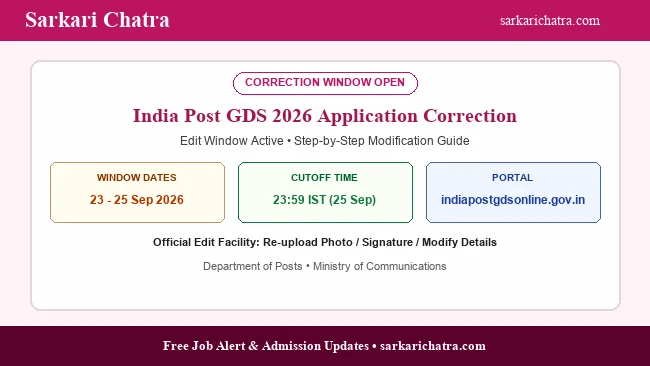
The Department of Posts (India Post) reminds all registered applicants of the Gramin Dak Sevak (GDS) 2026 cycle that the online application correction window is currently active and will permanently close tomorrow, 25 September 2026 at 23:59 IST. Candidates who have identified discrepancies in their applicant name, parentage, community category, board details, or marks entered must finalize their edits on indiapostgdsonline.gov.in immediately.
Since the GDS selection process is purely merit-based with zero written examination, even a minor discrepancy between your submitted application data and your Class 10 marksheet will result in disqualification during physical Document Verification (DV).
GDS 2026 Correction Schedule Recap
| Milestone | Date & Strict Timing |
|---|---|
| Edit Window Opened | 23 September 2026 |
| Today’s Verification Status | Active • Penultimate Day |
| Final Closure Cutoff | 25 September 2026 (23:59 IST Sharp) |
| First Merit List Announcement | October 2026 (Expected) |
Critical Pre-Submission Verification Checklist
- Marksheet Discrepancies: Verify each subject’s scored marks against the maximum marks. For CGPA grades, ensure the official conversion formula specified by your board was applied accurately.
- Community Category Certificate: Verify that your Category (OBC-NCL, EWS, SC, ST) matches the certificate that will be presented during DV. Failing to produce a valid category certificate revokes selection.
- Uploaded Photo & Signature Quality: Blurry, inverted, or cropped passport photos must be replaced. The photo size must remain between 20 KB and 50 KB (JPG/JPEG format).
- Postal Division Order: Re-examine the order of divisional preferences submitted to ensure high-priority posts are placed first.
How to Confirm and Save Modifications
- Visit indiapostgdsonline.gov.in and select Edit Application.
- Enter your Registration Number and validate the one-time password (OTP).
- Make required edits across applicable fields.
- Click Preview Application and cross-check every section.
- Click Submit and print the final updated Application Confirmation Slip.
Ask a Question